User Manual
A comprehensive guide to air-gapped, zero-install file transfers.

The Basics
SoundShare allows you to send files instantly between any two devices with a web browser. No apps to install, no accounts to create, and absolutely no data stored on our servers.
Sender: Select "Send File", pick your file, and choose a transfer method.
Receiver: Select "Receive File" and follow the instructions to connect.
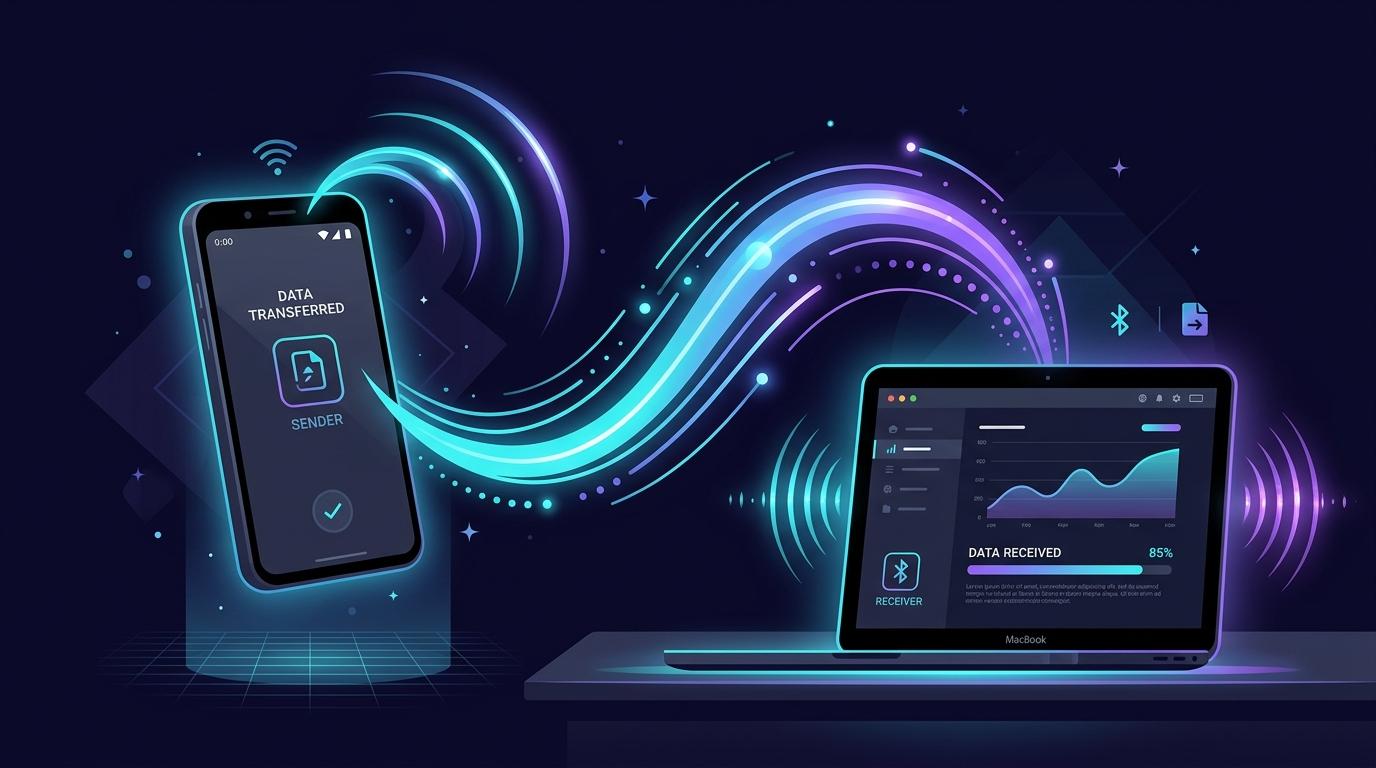
Method 1: Ultrasonic Audio
Connect nearby devices by broadcasting an inaudible ultrasonic frequency. This method requires a standard internet connection to relay the encrypted file data, but uses sound to securely exchange the encryption keys without typing.
- The Sender clicks "Broadcast Words via Sound".
- The Receiver clicks "Auto-detect via microphone" and places their device near the Sender's speakers.
- Once the silent sound wave is detected, the devices securely pair and transfer the file!
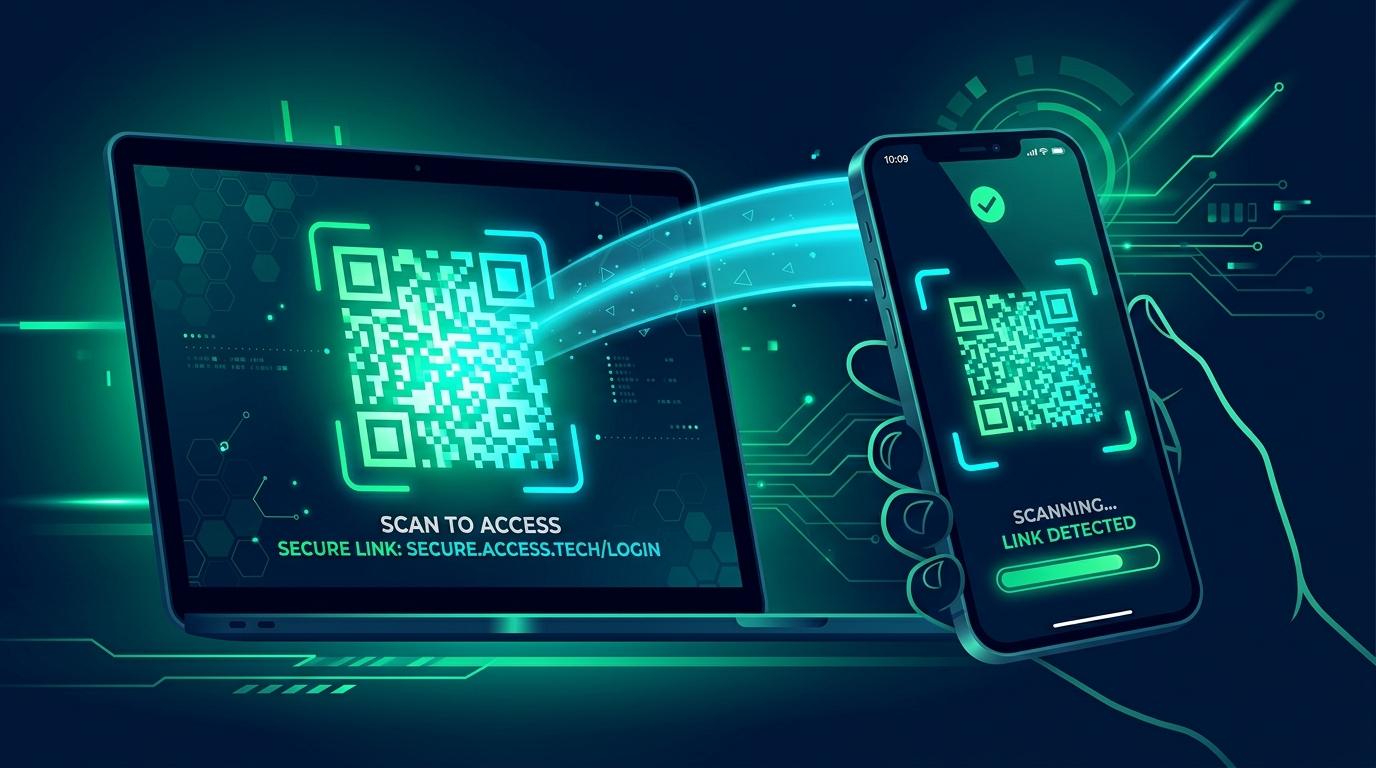
Method 2: Visual QR Stream
Transfer files using only your screen and camera. No internet required. This is perfect for air-gapped environments or transferring small files like photos and documents entirely offline.
- The Sender selects "Visual QR Stream". The file is split into hundreds of frames and played rapidly on screen like a video.
- The Receiver selects the same mode, grants camera permissions, and points their camera at the Sender's screen.
- Hold steady! Once the progress bar reaches 100%, the file is reconstructed and downloaded.
Method 3: Hotspot Mode
Experience ultra-fast, local network file transfers without any internet connection. 100% Offline. This mode leverages static QR codes to instantly establish a high-speed WebRTC connection over a local Wi-Fi or mobile hotspot.
- Ensure both devices are connected to the same Wi-Fi network, or have one device create a Mobile Hotspot and the other connect to it.
- Both users select "Hotspot Mode". The Receiver points their camera at the Sender's screen to scan the initial Offer QR code.
- The Receiver will then instantly display an Answer QR code. The Sender scans this, and the transfer begins over your local network at lightning speeds!
Method 4: Bump to Share
The most magical way to share. Pair your devices instantly by physically tapping them together.
- Both devices select their roles (Sender/Receiver) and choose "Bump to Share".
- Gently tap the phones together. The built-in accelerometers detect the precise moment of impact.
- The devices pair automatically. Verify the security emoji and approve the transfer!
Method 5: Point to Share
Pair devices spatially by pointing them directly at each other using the device compass.
- Both devices choose "Point to Share".
- Hold your phones flat (parallel to the ground) and point them at each other (head-to-head).
- Once the headings align (180 degrees apart), the devices will pair automatically!
Final Approval
For security, the Sender will always see a popup requesting final approval before the actual file data begins transferring (unless using the offline QR mode). Both devices will display an identical emoji. Confirm the emoji matches on both screens to guarantee nobody has intercepted your connection, then click "Approve Transfer".